Esta es una pregunta que recibimos casi todos los días de principiantes: ¿deberías optar por una impresora láser o de inyección de tinta para hacer matrices? Y aún más, ¿qué tipo de impresión elegir?
Las impresoras láser se utilizaron durante mucho tiempo para la impresión monocromática debido a su rapidez y a un acabado nítido. Desafortunadamente, los modelos asequibles recientes suelen ser más baratos debido a cambios en la composición del tóner que han disminuido la opacidad, dificultando los resultados de los fotolitos en serigrafía.
Eso significa que, a menos que estés listo para invertir en una impresora láser de alta calidad que tendrá otros usos además de hacer matrices, deberías obtener mejores resultados con una impresora de inyección de tinta de nivel básico que con una láser.

La balanza parece haberse inclinado últimamente hacia las impresoras de inyección de tinta, en gran parte por su capacidad para producir impresiones profundas y uniformes, algo innegociable para la serigrafía. Aquí tienes un resumen rápido de las elecciones de nuestro equipo (realizadas en 2023):
Nivel básico (150-200€)
- Brother MFCJ1010DWE : el modelo más económico que recomendaríamos gracias a su capacidad de impresión de alta resolución. Funcionará para la mayoría de tus impresiones en tejidos.
- Canon Pixma iX6820 : una impresora de nivel básico que te dará una buena satisfacción para la mayoría de las aplicaciones. Su ventaja es que imprime hasta tamaño A3, pero podría carecer de opacidad si estás haciendo negros muy profundos en papel.
Gama media (250€)
Epson XP-15000, una impresora de gama media que te proporcionará muy buenos resultados. Sin embargo, si buscas grandes tintas planas con opacidad profunda en papel o mallas muy finas, deberías optar por un modelo de nivel superior.
La elección ecológica (500€)
ET15000 es una impresora que funcionará perfectamente para cualquier aplicación de serigrafía DIY. La razón por la que nos gusta particularmente es que incorpora un Ecotank, lo que te permite rellenar la tinta de la impresora sin comprar cartuchos nuevos cada vez.
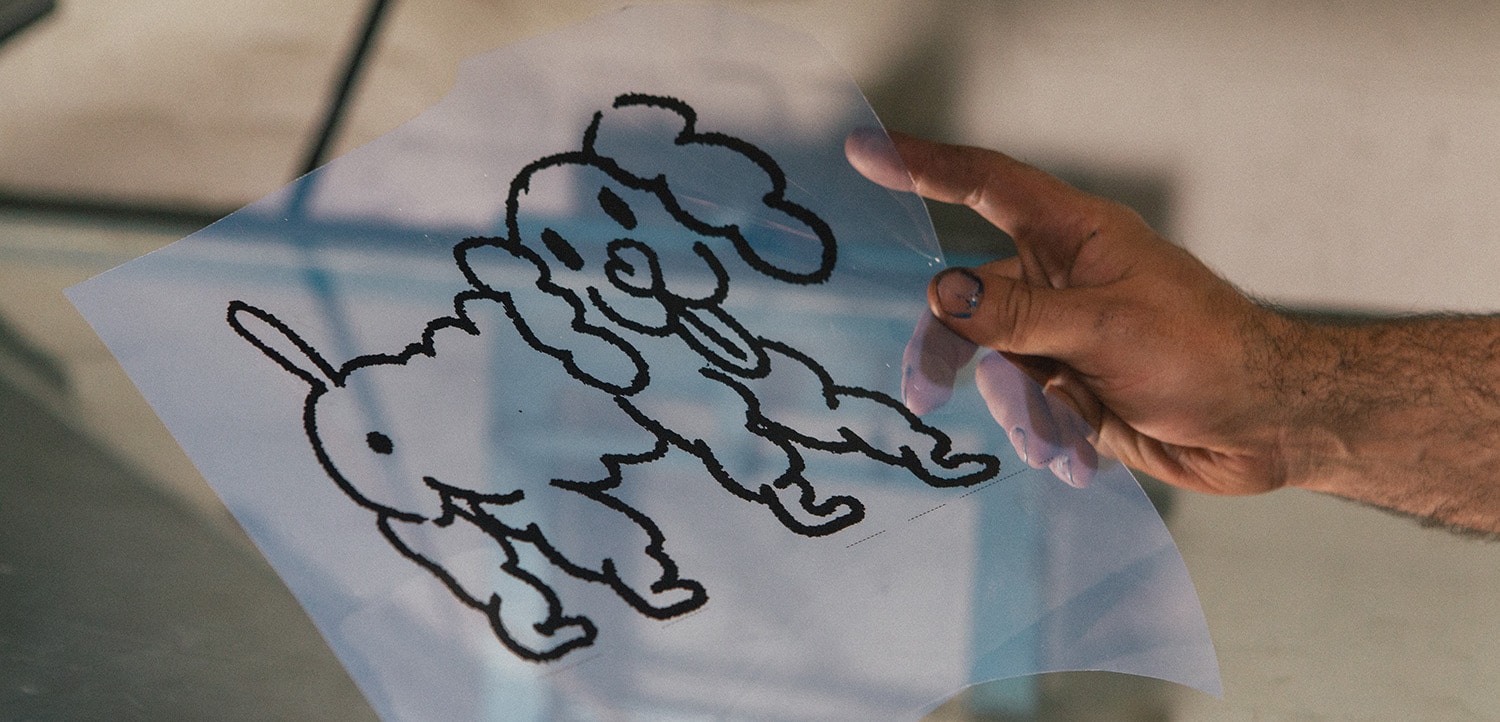
Un recordatorio rápido de la regla de oro al hacer tus matrices de todos modos: siempre inspecciona tu fotolito a contraluz.
¿Un punto de luz a través del negro? Significa que necesitarás una reimpresión o duplicar tu matriz.