How to Print a Stencil: step by step Video Tutorial
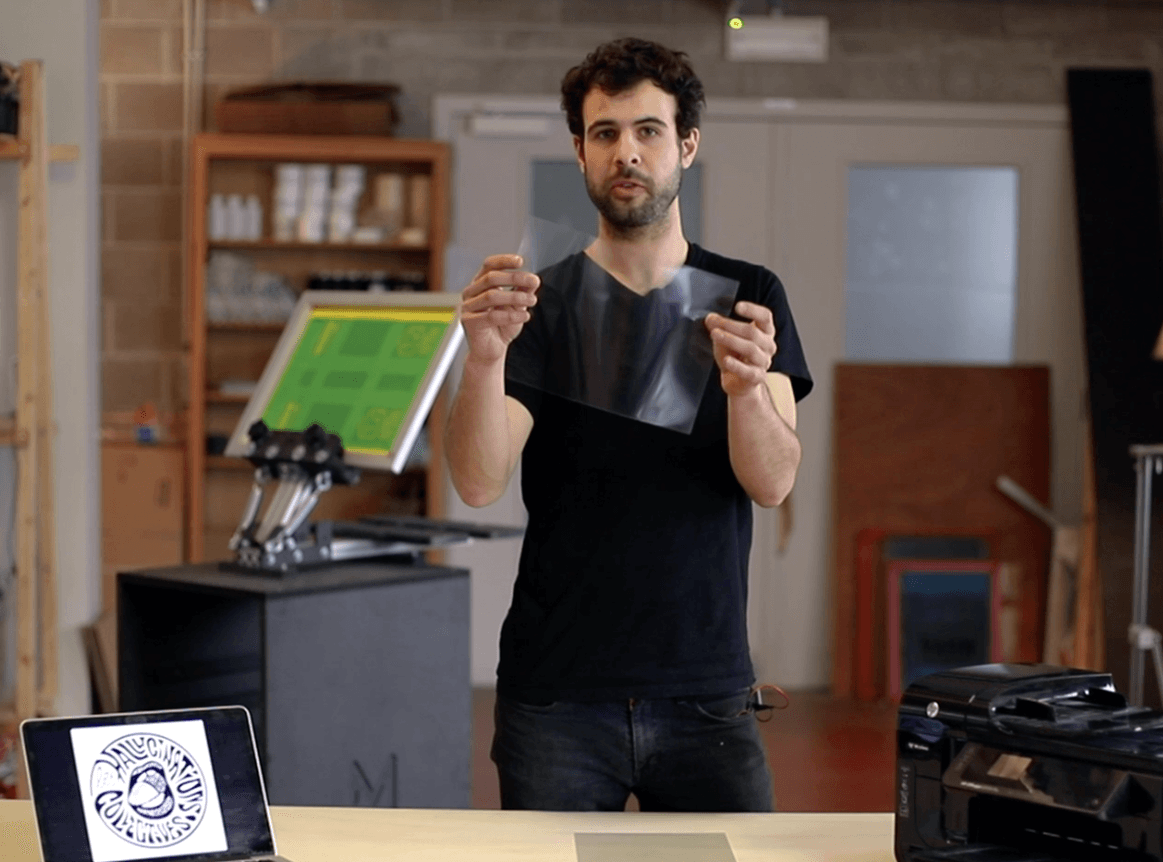
In this video tutorial, learn how to transform your drawing into a stencil - so it can be transferred onto your screen and printed with your screen printing kit.
Printing a Stencil
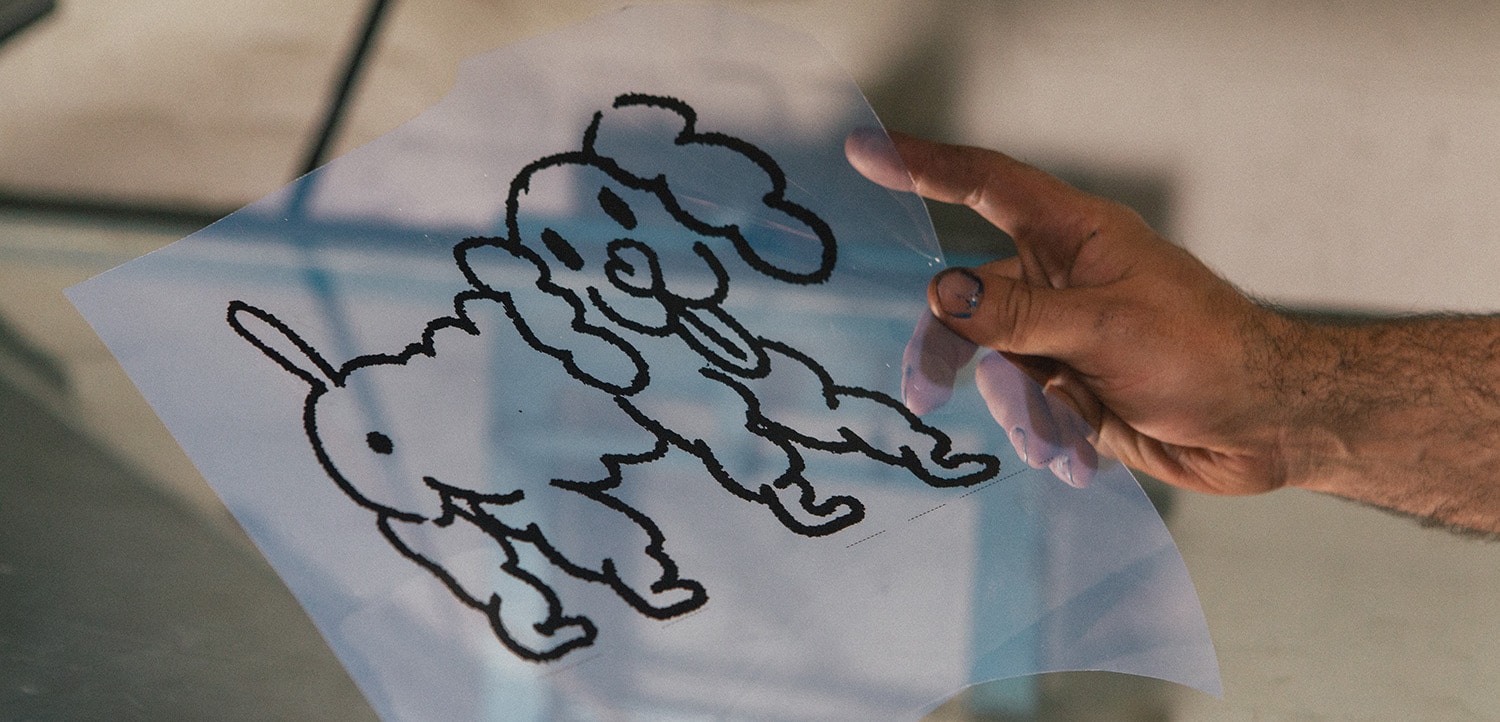
In screen printing jargon, a Stencil is simply a transparency onto which you transfer the image you want to screen print.
There are several ways of doing this.
Clearly, the simplest and most basic is to use the printer you have at home.
You probably know that there are two types of printer: inkjet and laser. The same goes for transparencies: there are inkjet transparencies and laser transparencies.
There's a little trick to recognizing them:
Inkjet transparencies always have a grainy side that can be identified by touch, and it's on this side that you'll need to print.
Laser transparencies, on the other hand, are smooth on both sides and can be printed on in either direction.
Here's a little tip for making a correct Stencil at home, even on cheap printers: simply print your logo twice and superimpose them to obtain a very opaque Stencil, then simply apply a little tape to fix them in place so that they don't move when exposed to the sun.
Alternative Options without printer
For those who don't have a printer at home, an alternative solution is to simply draw on the transparency using a marker pen.
For those who do have a printer but no transparency, there's also an alternative solution: oiling a blank sheet of paper. This process enables you to obtain a translucent sheet that's not totally transparent, but it will let the light through during the exposure phase.
Note that those techniques remain far less precise and efficient compared to a proper printed transparency.
Mekanika es una empresa belga con sede en Bruselas cuya ambición es hacer que la producción local sea más accesible gracias a un enfoque 100% de código abierto.
Diseñamos y producimos máquinas de alta calidad para fresado CNC y serigrafía, reconocidas por su fiabilidad y facilidad de uso. Nuestras herramientas se entregan como kits y están completamente documentadas, lo que permite adaptarlas fácilmente a necesidades específicas.
Aquí tienes 10 errores comunes que cometen los serígrafos principiantes y cómo evitarlos, con una serie de tutoriales en vídeo para guiarte paso a paso en tu primera impresión exitosa.
¿No sabes qué criterios deberías tener en cuenta para elegir una impresora de inyección de tinta o láser? Echa un vistazo a este artículo, comprende los pros y los contras y obtén recomendaciones de impresoras.