Showcasing your work is sometimes as important for its success as making it, and video has grown in the last few years as the ultimate medium to use for showcase, storytelling and communication.
As makers and craftspeople, we have a unique opportunity to share how we work, as the very process of designing, making and building our products is an incredible story in itself.
This guide is a beginner's guide to help anyone that wants to showcase their work through video. We'll focus on YouTube as we believe it's the most important platform for this exercise, both in terms of audience and format, and we'll only use free and beginner-friendly tools and software, with some links to dive further into more professional resources if you want.
Equipment & Setup
A smartphone is enough!
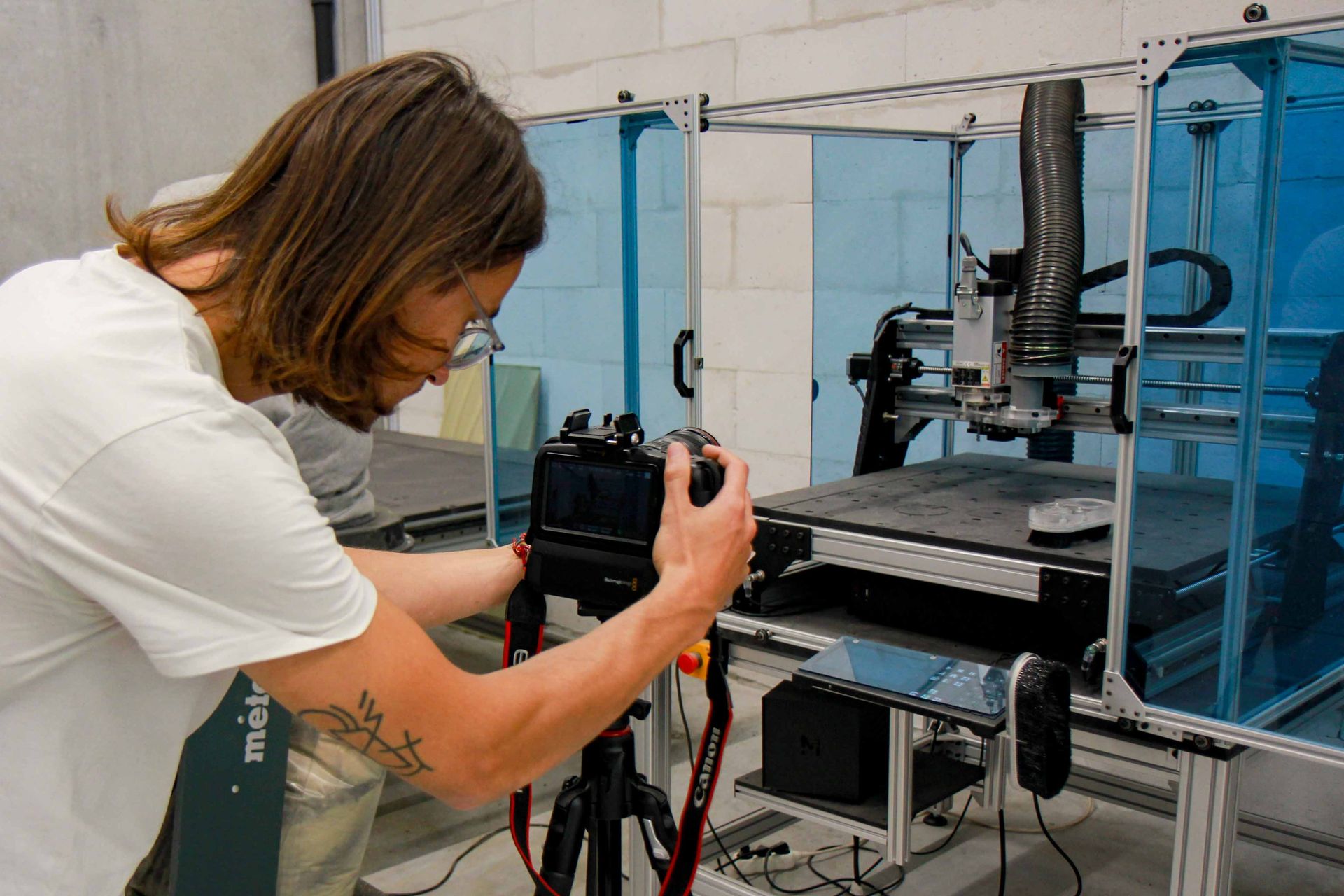
Even if you only have a smartphone, you're well-equipped. Modern smartphones have decent cameras suitable for beginner videography. Just ensure your lens is clean.
Tripod/Stabilization
A shaky video can be distracting. If you don't have a tripod, any stable surface or even stacks of books will do. For smartphone users, various affordable tripods with phone mounts are available. An improvised solution is leaning your phone against a wall or a stack of books.

Lighting
Natural lighting works wonders. Film during the day, preferably near a window. If indoors, use lamps to illuminate your subject evenly. Before starting to film everything, make a test shoot and make sure you're happy with the result.
Sound
Sound is often the most underestimated aspect of video making. If you're talking to the camera, you don't have many options other than acquiring a lavalier microphone, which can cost as little as 25€ and work with your smartphone.

Ideas & Planning
Scripting
It can be tempting to start shooting straight away, but consider taking a few minutes first to craft your story. Outline what you want to say or show in a notebook. It helps in organizing thoughts and ensuring you cover everything.
Storyboard
Sketch or list the sequence of your shots if you want to make several (for example, one of you speaking in front of the camera and one showing what you do). This will guide your recording process.

Keep in mind that for more dynamism, you can overlap certain sequences: start speaking in front of the camera then switch shots while still hearing you talking, adding some music, etc. All this can be done in the editing process, but should already be in your mind when you shoot.
Setup & Recording
Location
The most important part is to have good lighting in the place where you shoot. Remember, the background matters too. Ensure it's clutter-free and relevant to the video topic.
Sound Quality
Clear audio is crucial. Ensure your surroundings are quiet, or consider using free apps like Audacity for post-recording sound clean-up.
Record in Landscape
For YouTube, always film in landscape mode (horizontal).
Screen Recording
If you want to document your design process on your CAD/CAM software, or if you want to include some screenshots in your video, it might be interesting to use screen recording software (there are free native ones both on Windows and Mac).
Editing on a Computer
Start with Free Editing Software
There are a lot of free options for editing your video:
- Some are online, like Vimeo or Canva, and are often the easiest to start with.
- Some are software you need to install on your computer. We recommend Shotcut or DaVinci Resolve free versions as they both feature beginner-friendly tutorials to familiarize yourself with their interface and get started.
Basics of Editing
- Cut: Trim out mistakes or unnecessary parts.
- Transitions: Smoothly move from one scene to another.
- Text and Titles: Add introductory or explanatory text.
- Sound: Adjust volume, add music or voiceovers. Remember, use royalty-free music. YouTube has a library of royalty-free music for your videos.
Exporting
Once edited, export your video in .mp4 format, suitable for YouTube.
Uploading to Youtube
Create a Channel
If you haven't yet, sign up on YouTube and create a channel.
Uploading Your Video
Click the camera icon on the top right, then select 'Upload Video'. Drag and drop your file.

Thumbnails
A compelling thumbnail can drastically increase click-through rates. Use free tools like Canva to design an appealing thumbnail.
Optimizing Your YouTube Video to Get Views
SEO
Just like websites, YouTube videos need optimization.
- Title: Ensure it's catchy and includes keywords.
- Description: Provide a detailed description and include relevant links.
- Tags: Use relevant tags. Tools like TubeBuddy can help you find the right ones.
Engage with Your Audience
Reply to comments, ask for likes, shares, and subscribes at the end of your video or in the description.
Consistency
The more consistently you upload, the more likely YouTube's algorithm will favor your content.
Share
Promote your video on social media, blogs, or any other platform you're active on.
Conclusion
Remember that every videographer started as a beginner. Don't get discouraged if things aren't perfect initially. With persistence, passion, and practice, you'll get there. Happy filming!